⚙️ Trying Out Beardash
I'm playing with Beardash, the new Bear Blog dashboard developed by mgx to take advantage of the API paid Bear users now have access to. I'm already a huge fan because it provides so much handy functionality and it's a browser app that stores everything locally. My old eyes do wish it had a way to customize and make its font sizes larger as a setting, but browser page zoom works fine.
Beardash is also a PWA so you can save it to your phone Home Screen and launch like an app. That worked pretty smoothly in my testing, but I did immediately discover an issue on my iPhone 11. Namely, the top line of the post editing interface doesn't respect the phone's status line and notch at the top and moves behind those items. This makes saving/updating and navigating back out of a post challenging once you've begun working in that view.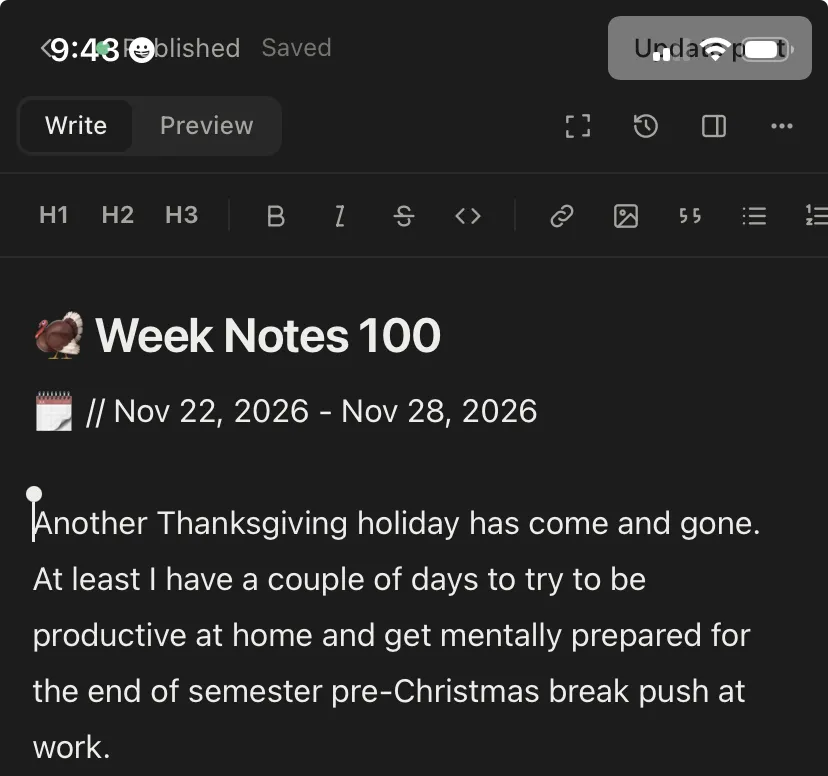
I just tried out the image drag upload functionality for the above screen cap from my iPhone demonstrating the hidden nav issue and it felt instantaneous. I'm suddenly way more inclined to regularly add images to my blog again.
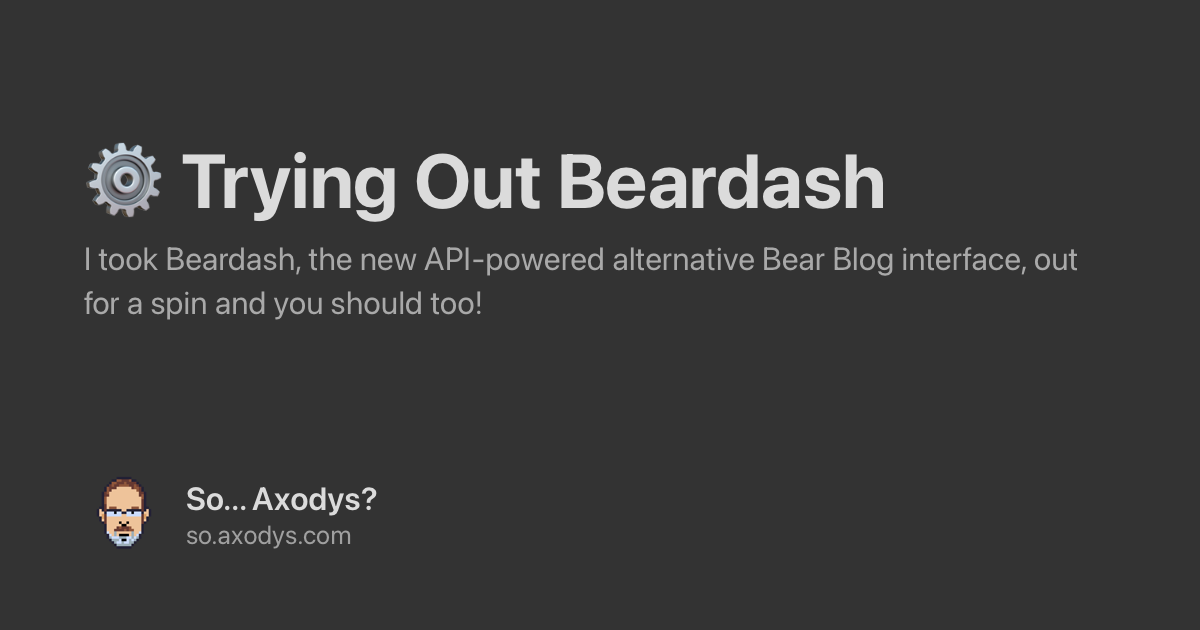
The built-in social post image generator is pretty nifty as well. Once I realized that I needed to go into settings first to tweak how everything appears in the cards I was quite pleased with the result. In fact, now I kind of want to go write descriptions and generate cards for more of my posts. Here's the one I generated for this post:
Anyway, if you're a paid Bear Blog user try this out. It's free and vastly superior to the default Bear editing environment.